Quick Links
- Why Bother Cleaning Your Headphones?
- Items Needed To Clean Your Headphones
- Step-by-Step Cleaning Process
- Tips To Keep Your Headphones In Top Shape
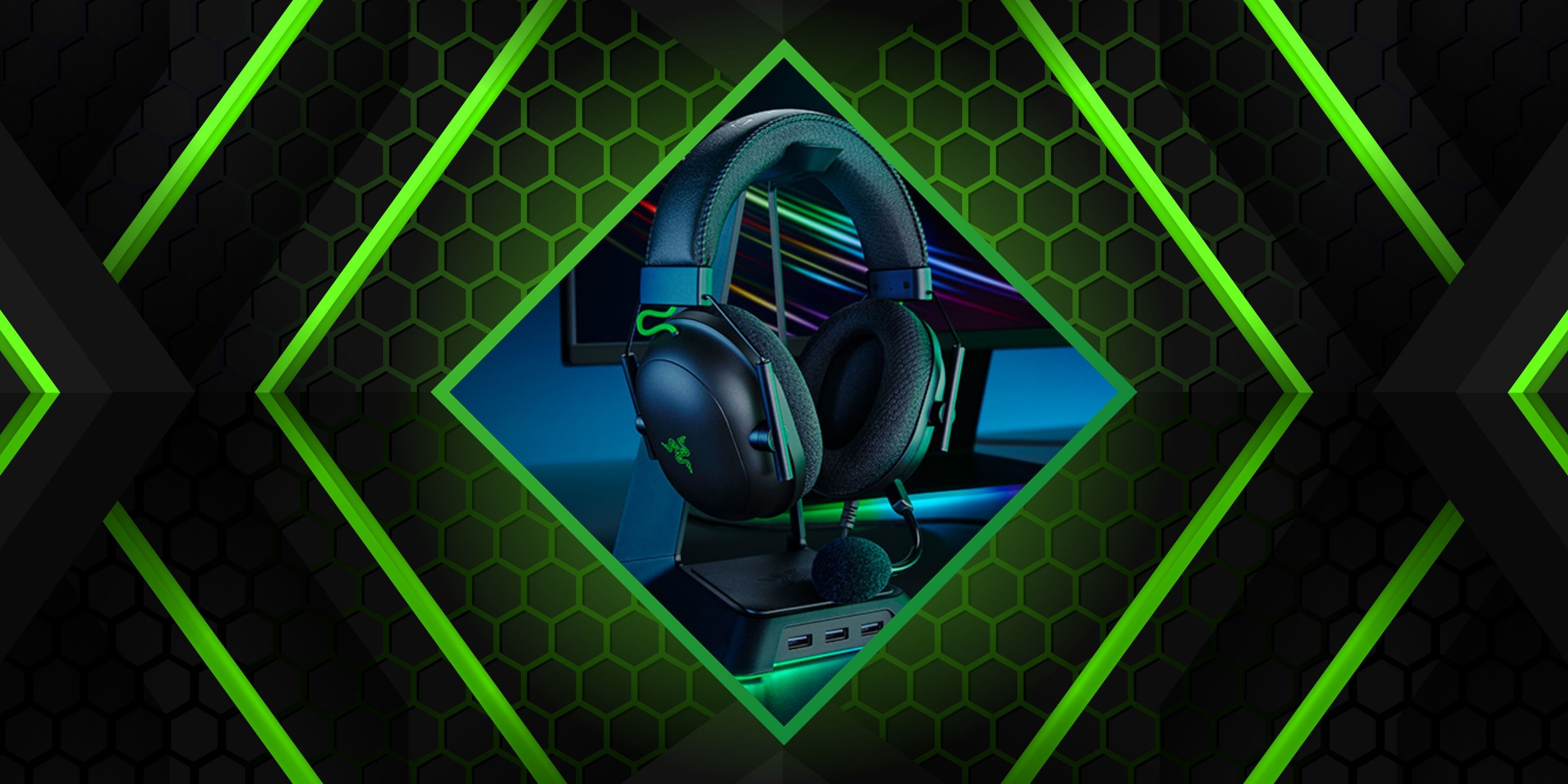
So, you've just pulled off an all-night raid, defeated that seemingly unbeatable boss, and carried your team to victory in the eleventh hour. You take off your gaming headphones, adrenaline still pumping, only to realize they're looking a bit... well, let's say "well-loved."
RelatedBest Gaming Headsets Of 2024
These headsets will give you the sound clarity you need for clear communication.
PostsSweat, snack crumbs, and who knows what else have taken up residence on your headset. We've all been there! And just like any hero needs to sharpen their sword, your gaming gear needs a little TLC too. In this guide, we'll show you how to clean your gaming headphones so they're as ready for action as you are.
Why Bother Cleaning Your Headphones?
Your gaming headphones are your portal to immersive worlds and epic adventures. But over time, they can become a hotspot for dirt, grime, and bacteria. Regular cleaning keeps them in top shape, ensures better sound quality, and, let's face it, makes wearing them a whole lot nicer. After all, who wants to gear up with equipment that looks (and smells) like it's been through a swamp level?
Items Needed To Clean Your Headphones
Every quest needs the right equipment, and cleaning your gaming headsets is no different. Here's your inventory checklist:
- Mild dish soap (nothing too fancy)
- Warm water (not scalding—save the heat for your in-game battles)
- Microfiber cloth (soft enough to avoid scratches)
- Q-tips (for those hard-to-reach spots)
- Alcohol wipes (for disinfecting)
- A small brush (an old toothbrush works great)
Once you've gathered your tools, you're ready to embark on this noble quest to restore your headphones to their former glory.
Step-by-Step Cleaning Process
1. Disconnect And Disassemble
First things first, unplug your headphones from your gaming rig. If you have a pair of headphones with a detachable mic, remove it. Take off any removable earpads or headband cushions. This makes it easier to clean every part without missing hidden spots.
2. Clean The Plastic Surfaces
Grab an alcohol wipe and gently clean all the plastic parts of your headphones. This includes the outer earcups, the headband frame, and any buttons or knobs. Wipe in small circles to lift off oils and fingerprints. It's amazing how much better they look after this simple step!
3. Freshen Up The Earpads
The earpads are where the magic (and the mess) happens. Depending on the material, here's how to clean them:
- Leather or Faux Leather Earpads: Dampen a microfiber cloth with a bit of warm, soapy water. Gently wipe the earpads, being careful not to soak them. Dry them off with a clean part of the cloth.
- Velour Earpads: These can trap lint and dust like nobody's business. Use a piece of tape to lift off debris, or gently brush them with your small brush. If they're really in need of a wash, soak them in warm, soapy water, then squeeze out the excess water and let them air dry completely.
- Mesh or Fabric Earpads: Remove them if possible, and wash them in warm, soapy water. Rinse thoroughly and let them dry before reattaching.
Remember, patience is key here. Let the earpads dry completely before moving on. You don't want any moisture seeping into the electronics.
4. Spruce Up The Headband
Just like the earpads, the headband can collect sweat and dirt. Dampen your cloth with the soapy water, wring it out well, and gently wipe down the headband. If you own higher-end branded headphones, they might have a removable headband cushion you can clean separately.
5. Detail The Microphone
Use an alcohol wipe to clean the microphone arm and the mic itself. This is important since it's close to your mouth, and you don't want any germs hanging around.
If there's a foam cover (also known as a windsock or pop filter), remove it and wash it in warm, soapy water. Squeeze out the excess water and let it air dry completely before putting it back on.
6. Don't Forget The Cables
Cables can be sneaky dirt collectors. Take a clean cloth or an alcohol wipe, pinch it around the cable, and run it from one end to the other. This removes any grime that's built up from your desk or floor.
7. Reassemble And Inspect
Once everything is clean and dry, put your headphones back together. Reattach the earpads, headband cushion, and mic. Give them a once-over to make sure everything looks good.
8. Final Touches
Before you jump back into the game, double-check that all parts are completely dry. Moisture and electronics don't mix well. If you're using one of the best SteelSeries headphones or another high-end model, you'll want to make sure they're in perfect condition.
RelatedBest Wireless Headsets In 2024
It can be tough picking the perfect headset. Let us narrow it down for you.
PostsTips To Keep Your Headphones In Top Shape
- Regular Maintenance: Make cleaning your headphones a regular habit. A quick wipe-down after intense gaming sessions can prevent buildup.
- Proper Storage: When you're not using them, store your headphones in a cool, dry place. Consider investing in a headphone stand to keep them off surfaces where they can collect dust.
- Be Gentle: Avoid using harsh chemicals or soaking any part of your headphones (unless specified). Gentle cleaning ensures they last longer.
- Stay Updated: If you're thinking about upgrading, research the best gaming headset brands to find models that are easy to clean and maintain.
Best Budget Gaming Headsets In 2024
These budget gaming headsets are affordable and punch above their weight in terms of sound quality and features.
Posts